Getting Started in Power Your City
From first Generator to your first strong sell loop.
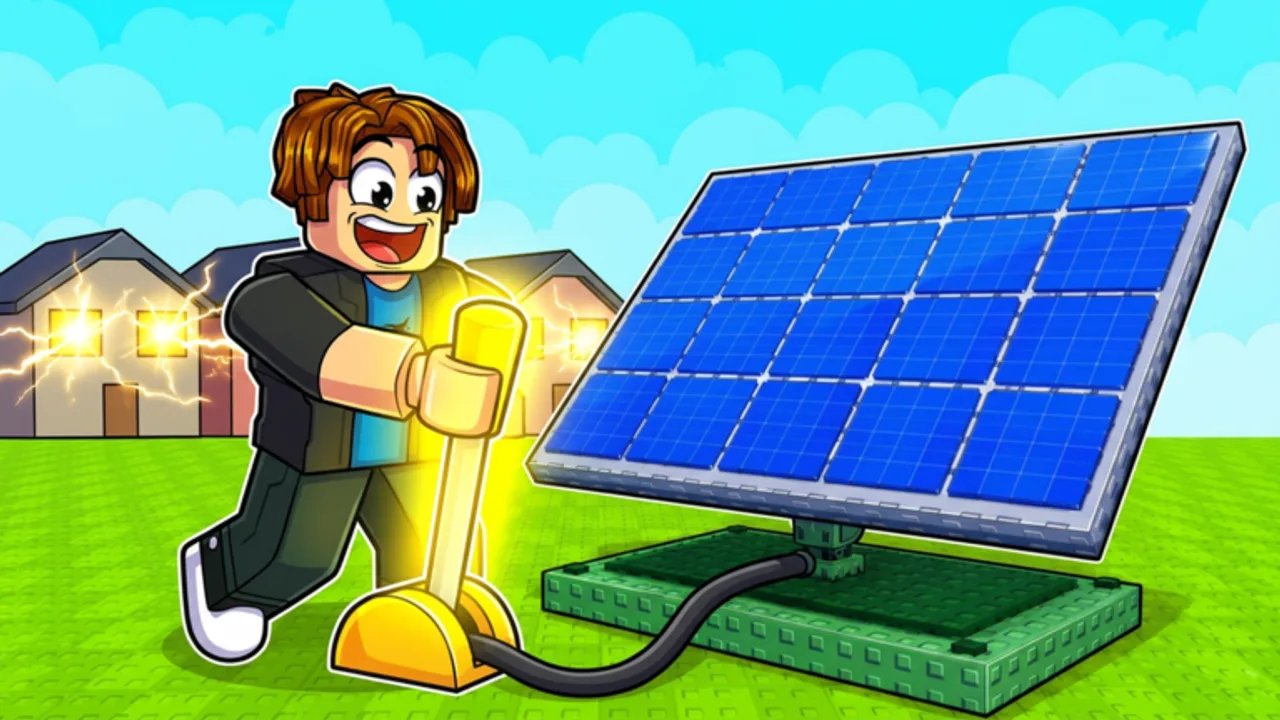
Power Your City is a Roblox Simulation Tycoon from Restore Power built around a clean loop: produce Power with Generators, store it in Batteries, sell it around the city for Cash, and optionally steal Power from other players. This getting started guide assumes zero prior knowledge and walks you through the first session with enough depth to avoid the usual beginner traps.
What you are trying to do
Your plot is a miniature power company. Generators are the income engine. Batteries are the warehouse. The city is the customer. Cash is the upgrade currency. If you only expand Generators and ignore Batteries, production overflows and stalls. If you only buy Batteries, you store nothing worth selling. Balance is the skill.
Servers host up to six players, so you are never fully alone. That small population makes steal interactions personal — you will recognize the same neighbors across a session. Learn the peaceful loop first; raid tactics wait in Steal Power.
Minute-by-minute first session
Minutes 0–5. Spawn, locate your build space, and place the earliest Generator you can afford. Open Controls if placement feels awkward on mobile. Place a Battery soon after so Power has somewhere to go.
Minutes 5–15. Watch storage climb. When the Battery is healthy, leave the plot and sell Power in the city. Return, spend Cash on whichever resource ran out first, and repeat. Do not hoard Cash without a reason during the tutorial phase.
Minutes 15–30. Claim any live codes from the Codes Hub using How to Redeem, but only after you can actually spend the boost. Follow Boost Tips so five-minute timers are not wasted.
Minutes 30–60. Stabilize a sell rhythm, add a second production layer, and skim the Items Hub so you understand what each upgrade is for. If a neighbor starts contesting you, switch to defensive habits early.
The economy in plain language
Power is not Cash. Power must be sold. Selling takes travel time and attention. Codes that double Power help you fill tanks; codes that double Cash help you monetize tanks. Make Cash Fast and Sell Power Route expands this into a full farming plan once the basics click.
Video walkthrough
The embedded video below is a full how-to-play style guide from a creator covering Power Your City on Roblox. Watch the middle section if you prefer seeing HUD elements live, then return to the text checklist.
Starter checklist
- Place at least one Generator and one Battery before exploring too far.
- Complete one full sell trip and confirm Cash increased.
- Redeem at most one code after you have a plan for the boost.
- Upgrade the bottleneck you felt, not a random shiny purchase.
- Bookmark Official Links for Discord and the correct Roblox place.
Common beginner mistakes
Walking into the city with empty Batteries teaches nothing except the map. Buying only Generators creates overflow screenshots and zero progress. Ignoring Settings means missing free milestone codes. AFKing with full storage during a busy code drop invites steals. Fixing those four habits puts you ahead of a large share of new joins.
Where to go next
After this page, read Make Cash Fast and peek at Generator Tier List so early Cash has a destination. Use the Early Game Checklist as a printable-style routine for your second session. When you are ready to reshape the plot, open Best Base Setup.
Power Your City rewards calm loops more than panic clicking. Learn the generate → store → sell rhythm once, and every later system — codes, steals, tier lists — plugs into that same spine.
Deep dive: your first three sells
The first sell proves the loop exists. The second sell proves you can repeat it under mild pressure. The third sell should include an intentional upgrade decision. After sell one, buy either a Generator or a Battery based on what felt scarce. After sell two, resist buying the opposite “just because.” After sell three, compare fill time versus travel time and write the bottleneck down. That tiny journal habit is how Power Your City players stop gambling Cash.
If a neighbor appears during these early sells, ignore them unless they are already in your Batteries. Early revenge chains teach bad priorities. Peaceful repetition beats dramatic stories for the first hour.
Deep dive: reading the city
The city is not a sightseeing tour. Learn one efficient path and reuse it. When you feel lost, return to plot, reset camera, and leave along the same vector every time. Pair this with the movement notes in Controls. Once the path is boring, you are ready for codes and builds.
Deep dive: emotional pacing
Tycoons punish panic. If a code drops while you are confused, skip it and finish one clean loop first. The Codes Hub will still be there five minutes later — or the next milestone will replace it. Foundations first, fireworks second.
Frequently Asked Questions
Quick answers to the most common questions.
How do you play Power Your City?
Place Generators to make Power, Batteries to store it, sell Power in the city for Cash, upgrade, and optionally steal from other players.
What should I buy first?
Whatever removes your bottleneck: more Generators if storage stays empty, more Batteries if storage fills instantly.
Is Power the same as Cash?
No. Power is produced and stored; Cash comes from selling Power in the city (or from Cash boost codes applied to those sells).
Where do I redeem codes as a beginner?
Follow How to Redeem Codes — Settings on the left, then Redeem Codes, then Claim.