Power Your City Guides
Walkthroughs for the full generate → store → sell → steal loop.
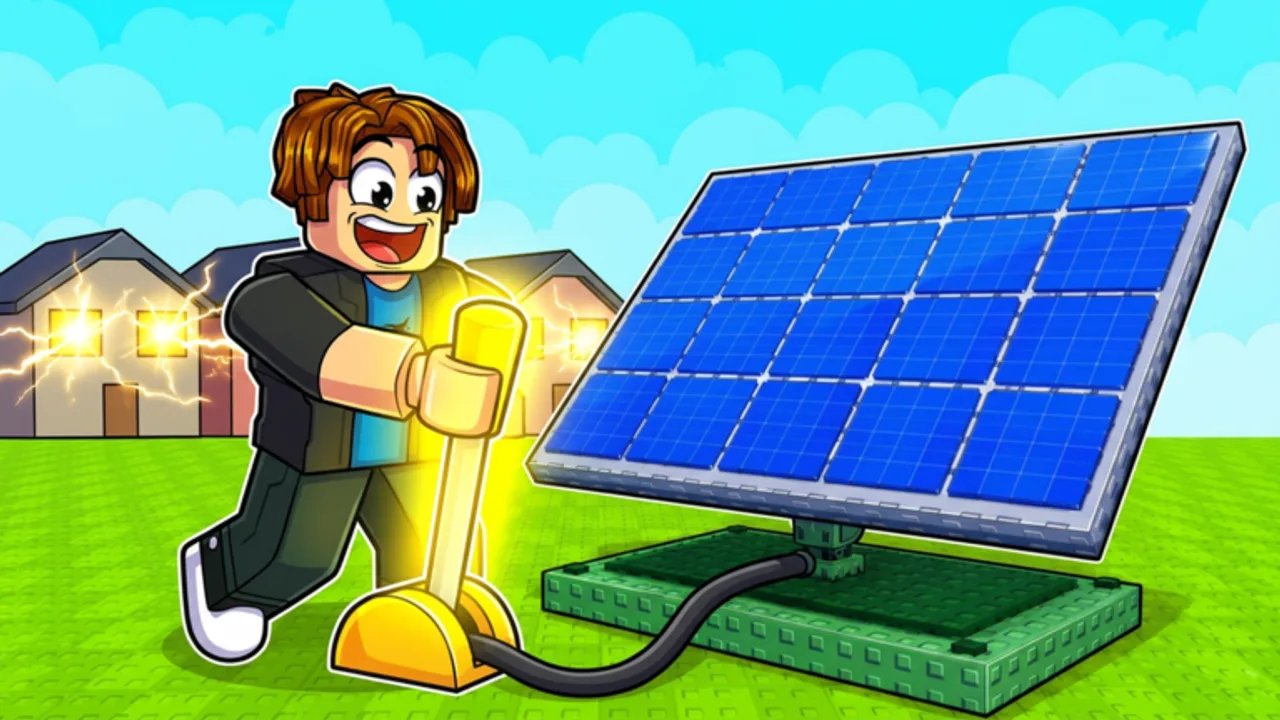
This Guides Hub is the onboarding and strategy center for Power Your City on Roblox. Whether you just clicked Play for the first time or you are optimizing a dense six-player server, start here, then drill into the specialized tutorials linked below. Every guide on this wiki is written for real search intents — how to play, how to sell Power, how to make Cash fast, how to steal Power, and whether the game is worth your time.
Start here if you are new
Begin with Getting Started. It explains Generators, Batteries, city sells, and the first thirty minutes without assuming prior tycoon knowledge. Keep Controls open if you are on touchscreen or still learning the HUD. When your first sell feels slow, jump to Make Cash Fast and practice a clean Sell Power Route instead of randomly buying every upgrade.
Core guide library
- Getting Started — full how-to-play onboarding with video support.
- Make Cash Fast — economy priorities, code timing, and sell discipline.
- Sell Power Route — city pathing so Power converts to Cash without wasted trips.
- Steal Power — offense and defense on small servers.
- Controls — movement, placement, Settings, and mobile tips.
- Power Your City Review — who the loop is for, PvP pressure, and a clear verdict.
- Common Mistakes — overflow, Power vs Cash, code timing, AFK steals, and fix paths.
How guides connect to other hubs
Codes are not a separate game mode; they amplify these guides. After you understand the loop, redeem through the Codes Hub and apply Boost Tips or the Boost Session Planner. Spend the Cash you earn using Generators, Batteries, and ranked advice in the Builds Hub. When Restore Power ships patches, skim Updates and Milestone Updates so older assumptions do not linger.
What pain points these guides solve
New players often confuse Power with Cash, overflow Batteries, or wander the city without a sell plan. Intermediate players stall because steal pressure punishes idle full storage. Advanced players want cleaner layouts and better boost chaining. Each guide below attacks one of those jobs with concrete steps, internal links, and FAQs — not generic tycoon filler.
Recommended learning path
- Getting Started + Controls
- Codes Hub + How to Redeem
- Sell Power Route + Make Cash Fast
- Boost Session Planner when a 2x timer is live
- Items Hub for equipment literacy
- Builds Hub and Best Base Setup
- Steal Power once neighbors notice your growth
- Power Your City Review if you are deciding whether to commit more hours
- Common Mistakes when progress stalls despite reading other guides
Depth standards on this wiki
English guides aim for real coverage: systems explanation, common mistakes, decision rules, and related links. We embed at most one verified YouTube video per page, placed mid-article, and only when the video matches the topic. If two creators repeat the same tutorial, we keep a single page instead of duplicating thin clones.
When to leave the Guides Hub
If you only need a code string, go straight to Codes. If you need Discord or the Roblox place link, use Official Links and the Discord guide. If you want ranked Generator priority rather than a narrative walkthrough, open Generator Tier List. This hub stays the narrative spine; other categories stay the databases and tools.
Power Your City rewards players who understand the loop deeply enough to improvise when a neighbor raids mid-sell. Read the guides, practice one idea per session, and return here whenever a new milestone code or update shakes the meta.
Frequently Asked Questions
Quick answers to the most common questions.
Which Power Your City guide should I read first?
Start with Getting Started, then Sell Power Route and Make Cash Fast.
Do these guides work on mobile?
Yes. Mechanics are the same; see Controls for touch-specific tips.
Is Power Your City worth playing?
Read the honest Power Your City Review for loop quality, steal pressure, and who should skip it.
Are the guides official?
No. This is an unofficial fan wiki. Confirm major announcements through the Discord on Official Links.